

Step 1
Download the iMobile app on your mobile device.
Step 2
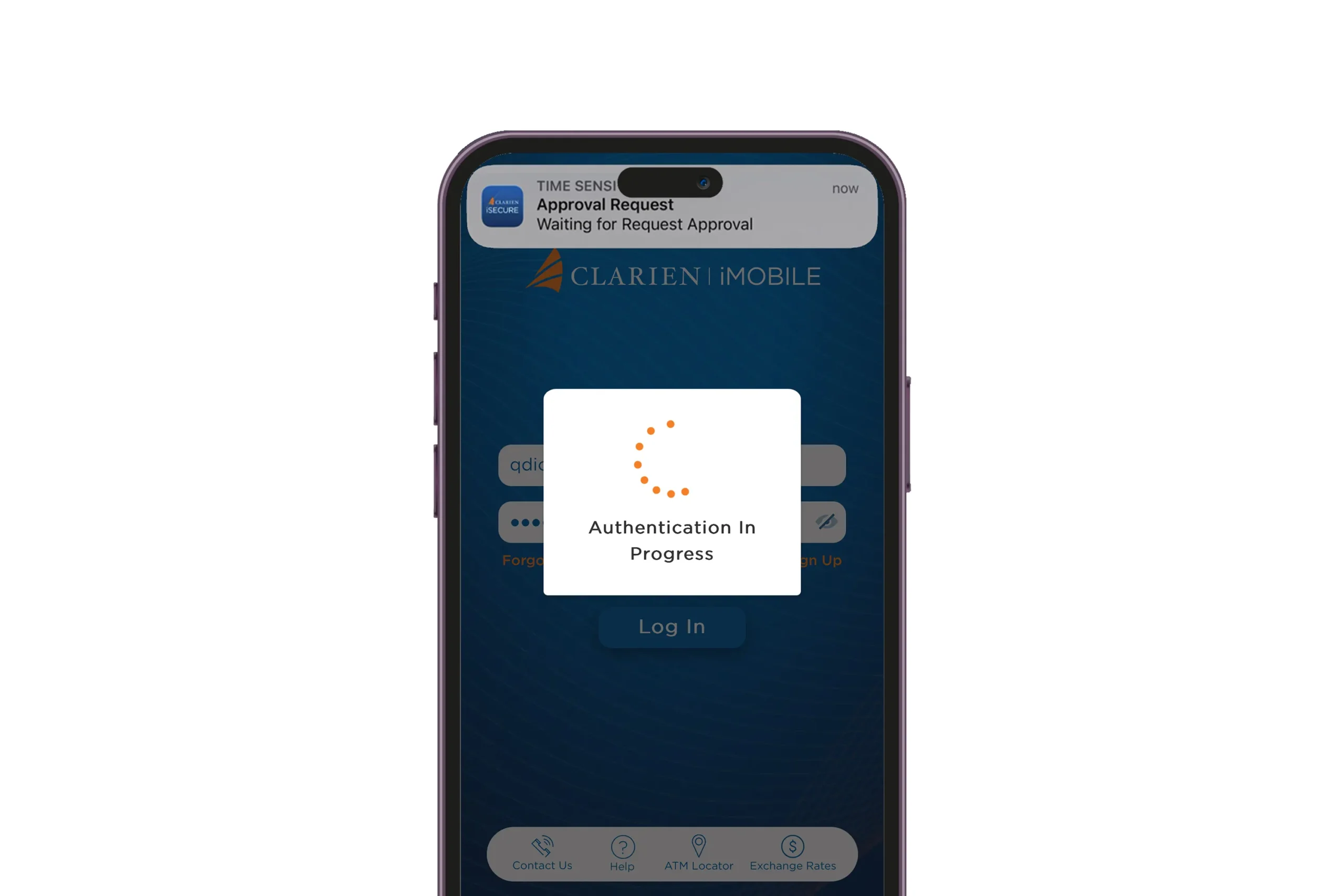
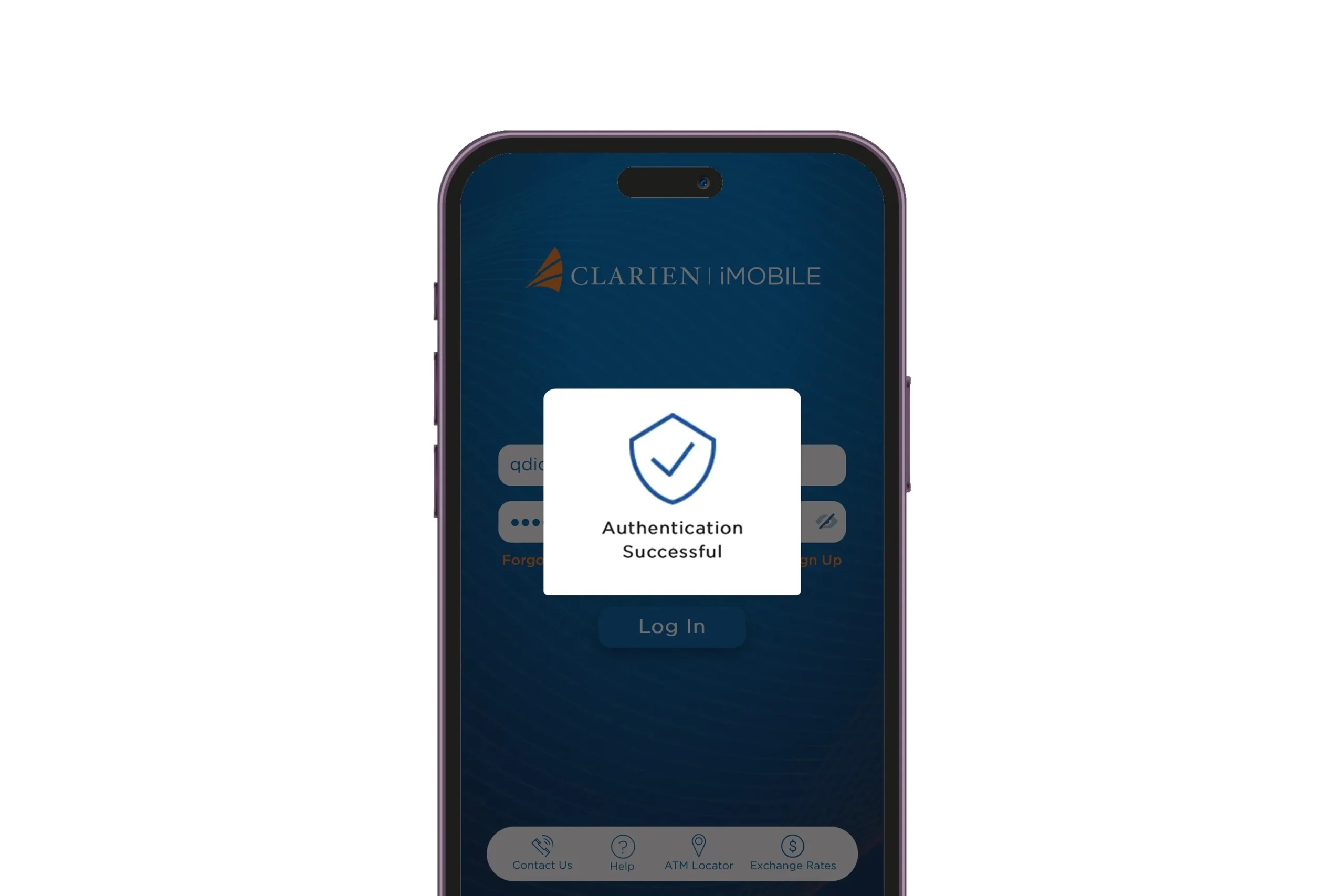
On the login screen, enter your Username and Password, which are the same as your Clarien iBank credentials. Press Log In.
Step 3
A notification from iSecure will appear to authenticate the activity.
Step 4
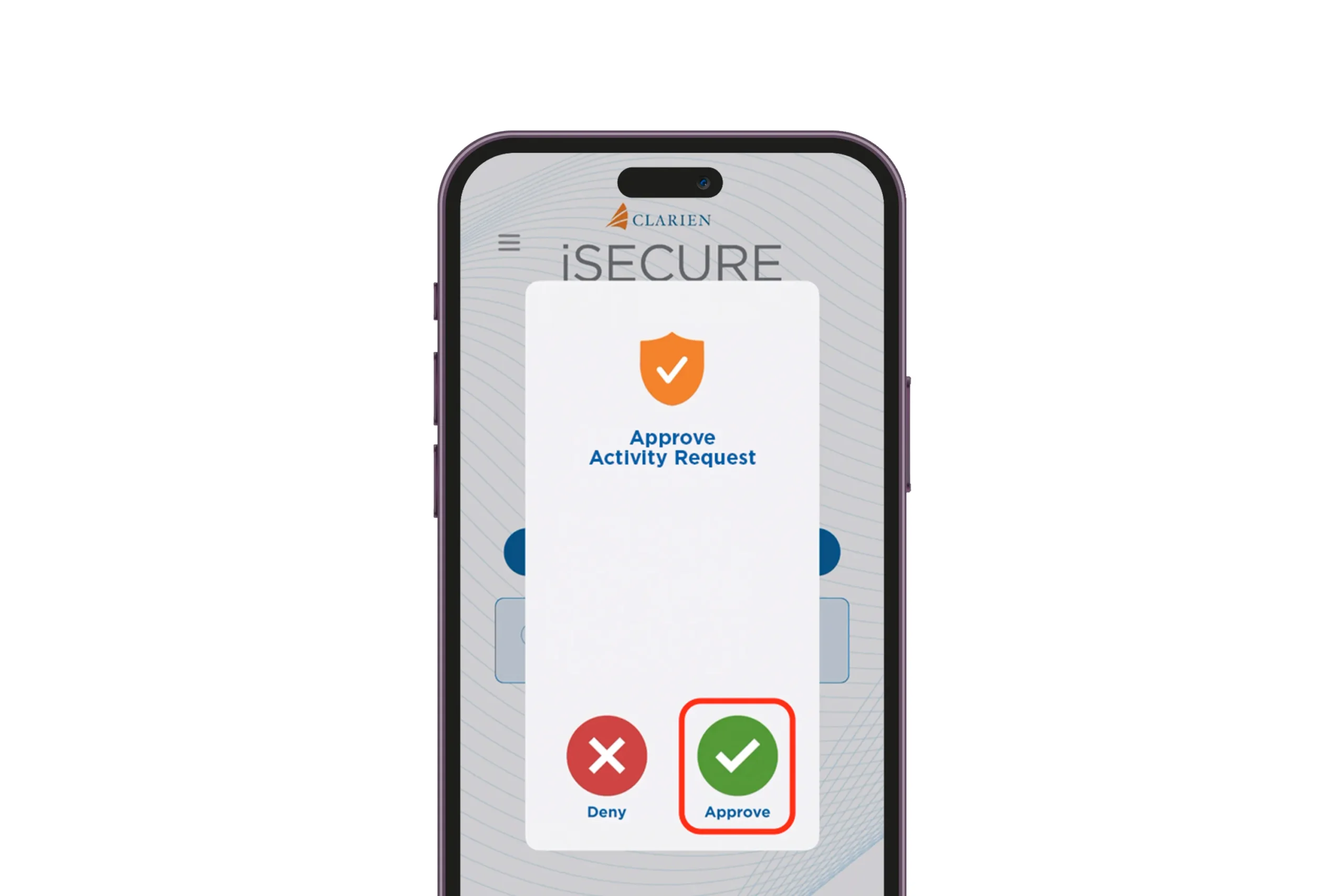
Open the iSecure app, then select Approve to authenticate the activity.
Step 5
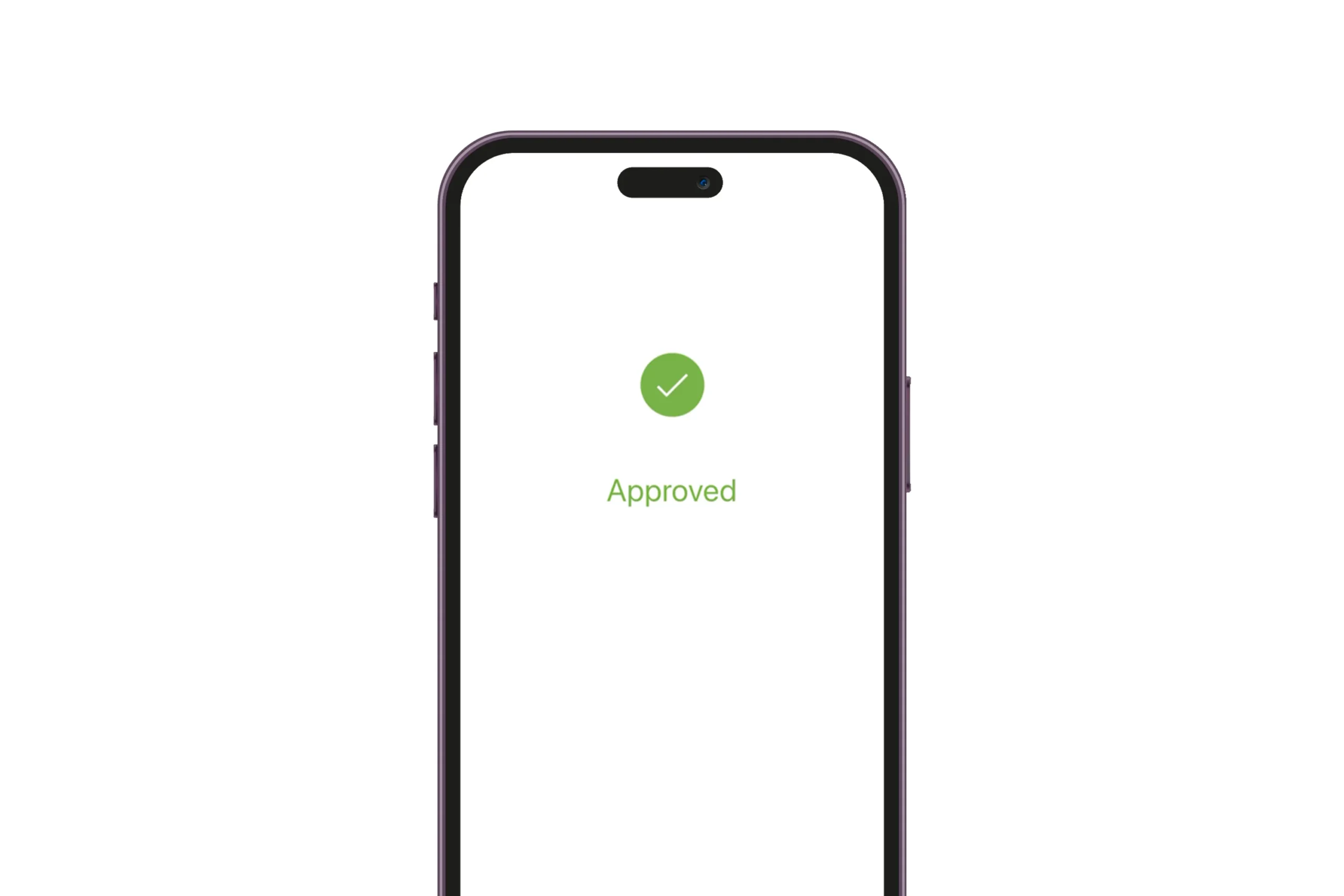
Your request is approved.
Step 6
iMobile will also confirm the authentication.
Step 7
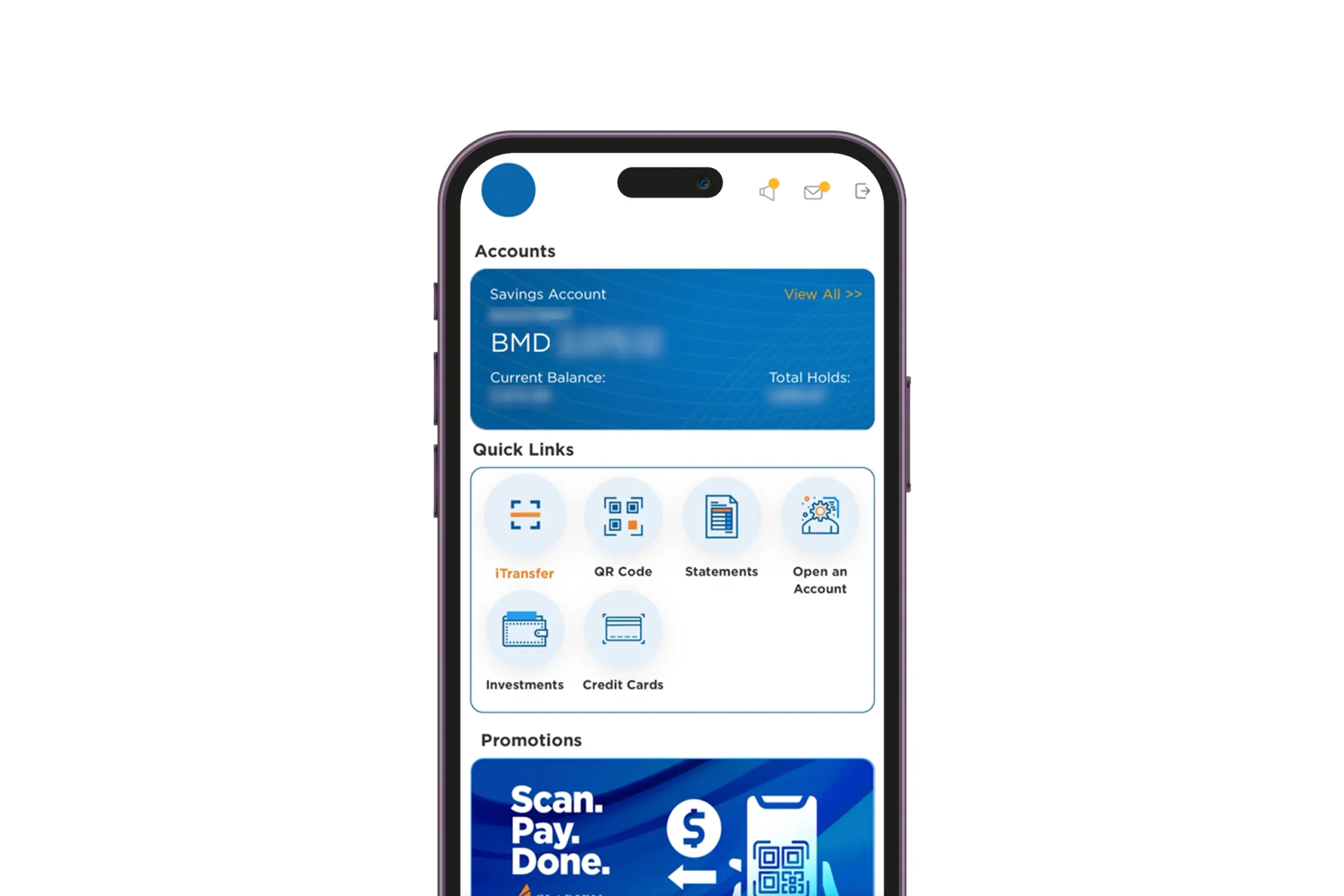
Your enrollment is complete. You may now explore the features and functions of the new iMobile.